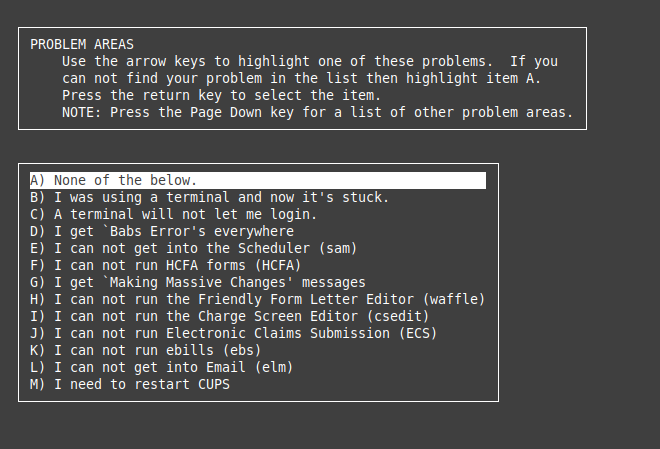
zaplock brings up this menu. You will need to do this from your own account.
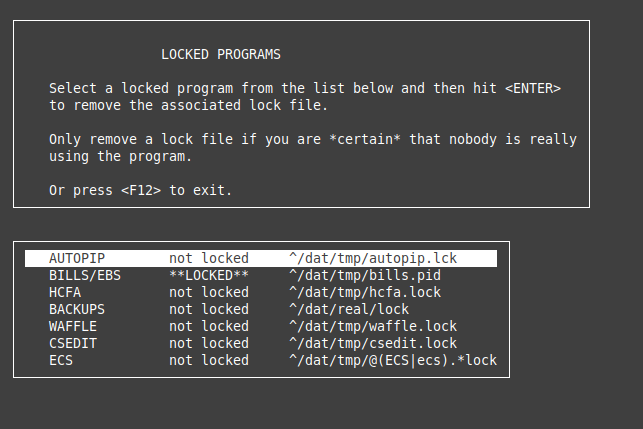
unlock brings up this menu. You will need to do this from your own account, with the exception of AUTOPIP which can be done from any account. Just type 'unlock' at the prompt, and this screen pops up, then make sure AUTOPIP is selected and hit enter. It will confirm, and then you're all set.
NOTE: User MAY be able to open another terminal and use the unlock command from there. Needs to be tested.
Was this article helpful?
That’s Great!
Thank you for your feedback
Sorry! We couldn't be helpful
Thank you for your feedback
Feedback sent
We appreciate your effort and will try to fix the article