Google Meet
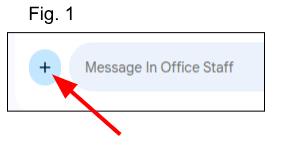
In your Google Chat conversation, click the plus icon next to the message input field (Fig. 1)
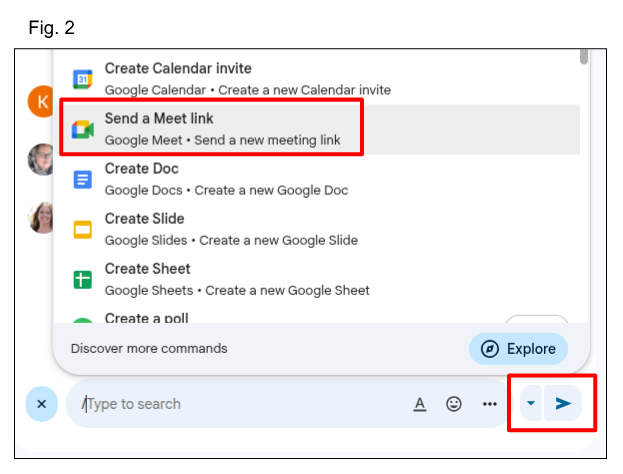
Choose 'Send a Meet link' and click the 'send icon' to share the link (Fig. 2)
Everyone click the Huddle Icon to join the meeting (Fig. 3)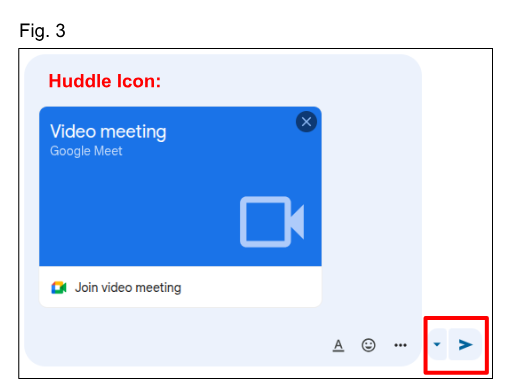
That's it!
Happy Meeting!
Was this article helpful?
That’s Great!
Thank you for your feedback
Sorry! We couldn't be helpful
Thank you for your feedback
Feedback sent
We appreciate your effort and will try to fix the article