Note: original document created by RBTech linked here
Process
Step 1:
Login with your user extension account and navigate to Tools->Sound Manager
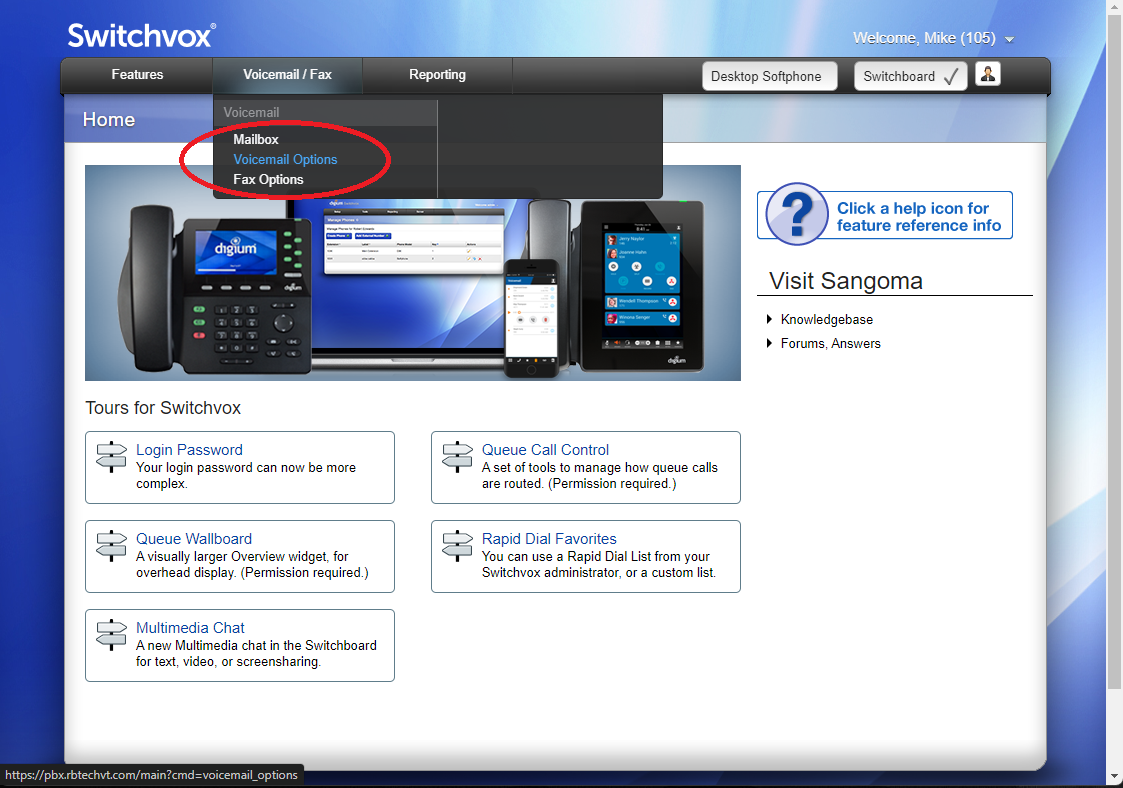
Step 2:
Click on 'Create Recording'
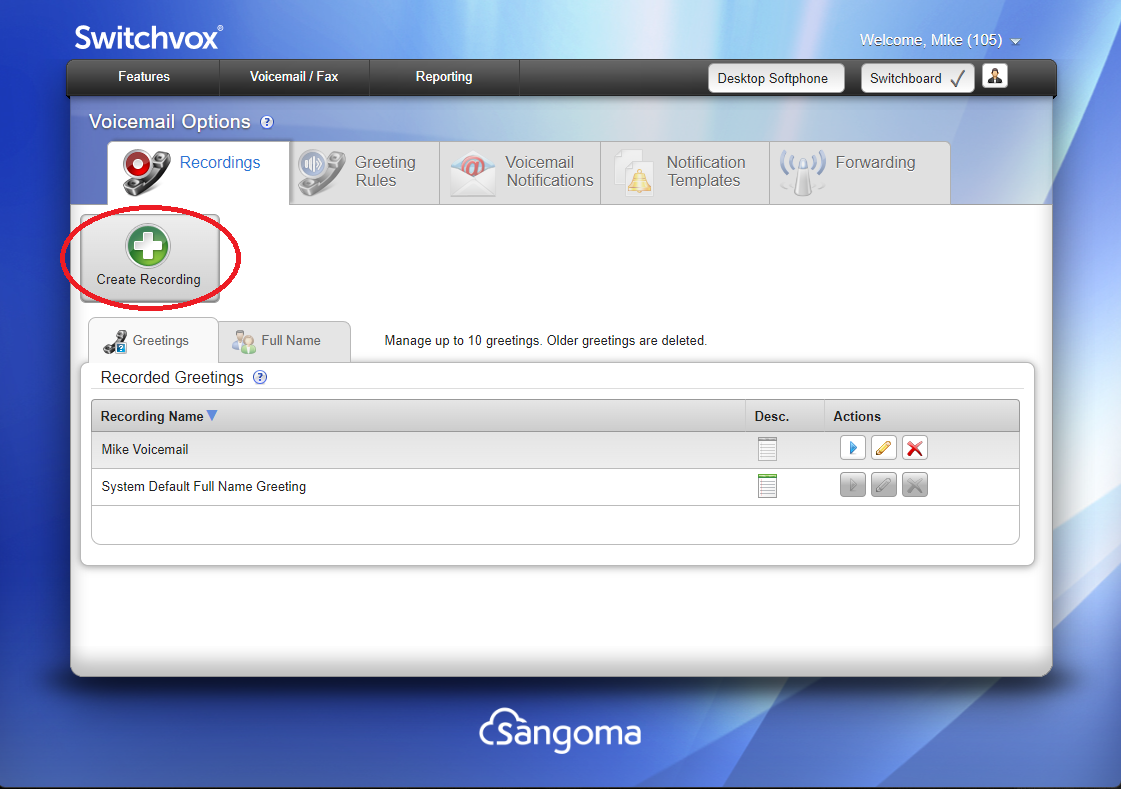
Step 3:
On the dialog that pops up
- Choose either 'Greeting' for voicemail greeting, or 'Full Name' for recording your name
- Fill in the name of the recording and a description (optional)
- Have your script ready to go
- Type the extension to ring and click 'Ring Extension'
- Answer the call, which will ask you to record a sound, and indicate you can hangup or press pound when completed.
Note: It is always best to press pound, as hanging up results in the sound of the handset being put down being added to the end of the recording - Once you're done recording and have pressed pound, click 'Done' (not shown here) to close that dialog and then click 'Save' on the bottom left to complete the process.
Was this article helpful?
That’s Great!
Thank you for your feedback
Sorry! We couldn't be helpful
Thank you for your feedback
Feedback sent
We appreciate your effort and will try to fix the article