Simply closing Remmina doesn't mean that you are completely closed out of it.
To completely close out of Remmina:
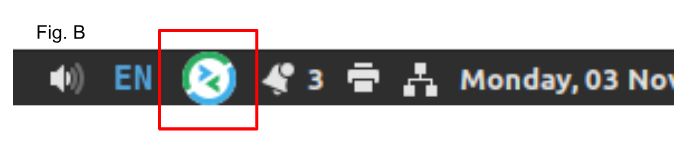
Look at your task bar at the bottom right of your screen.
If you see the Remmina logo, (see Fig. B), click it and choose 'quit' from the menu.
If you don't see it, you are already completely closed out.
 Now, you can log back in to Remmina and open the practice.
Was this article helpful?
That’s Great!
Thank you for your feedback
Sorry! We couldn't be helpful
Thank you for your feedback
Feedback sent
We appreciate your effort and will try to fix the article