Once you are on the website you need the 2FA for:
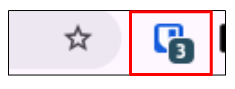
Click on your extension to the right of your search bar in Google to open it:
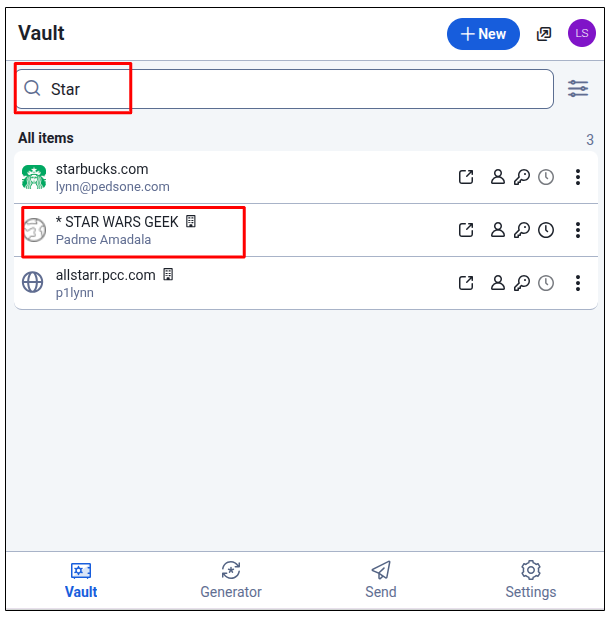
Search for your item in the vault and click on the NAME of the item to open it:
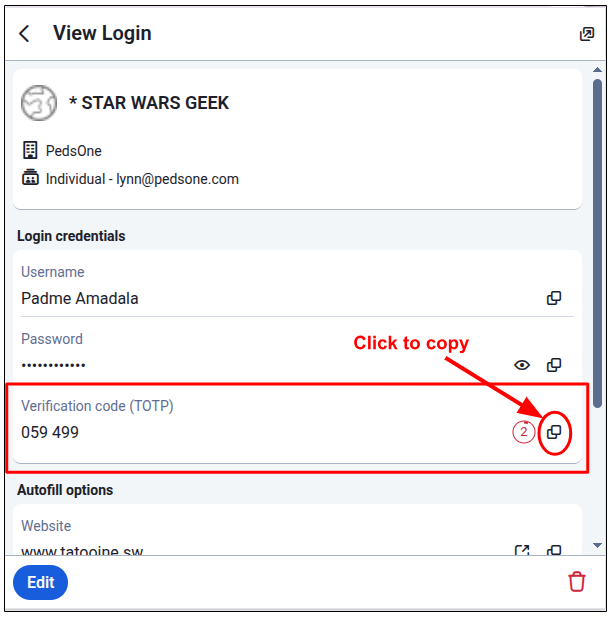
Once the item is open, click on the 'copy' icon in the Verification Code (TOTP) field.
Paste the code into the field it's needed and hit enter.
PLEASE NOTE: The code updates/changes every 30 seconds.
Was this article helpful?
That’s Great!
Thank you for your feedback
Sorry! We couldn't be helpful
Thank you for your feedback
Feedback sent
We appreciate your effort and will try to fix the article